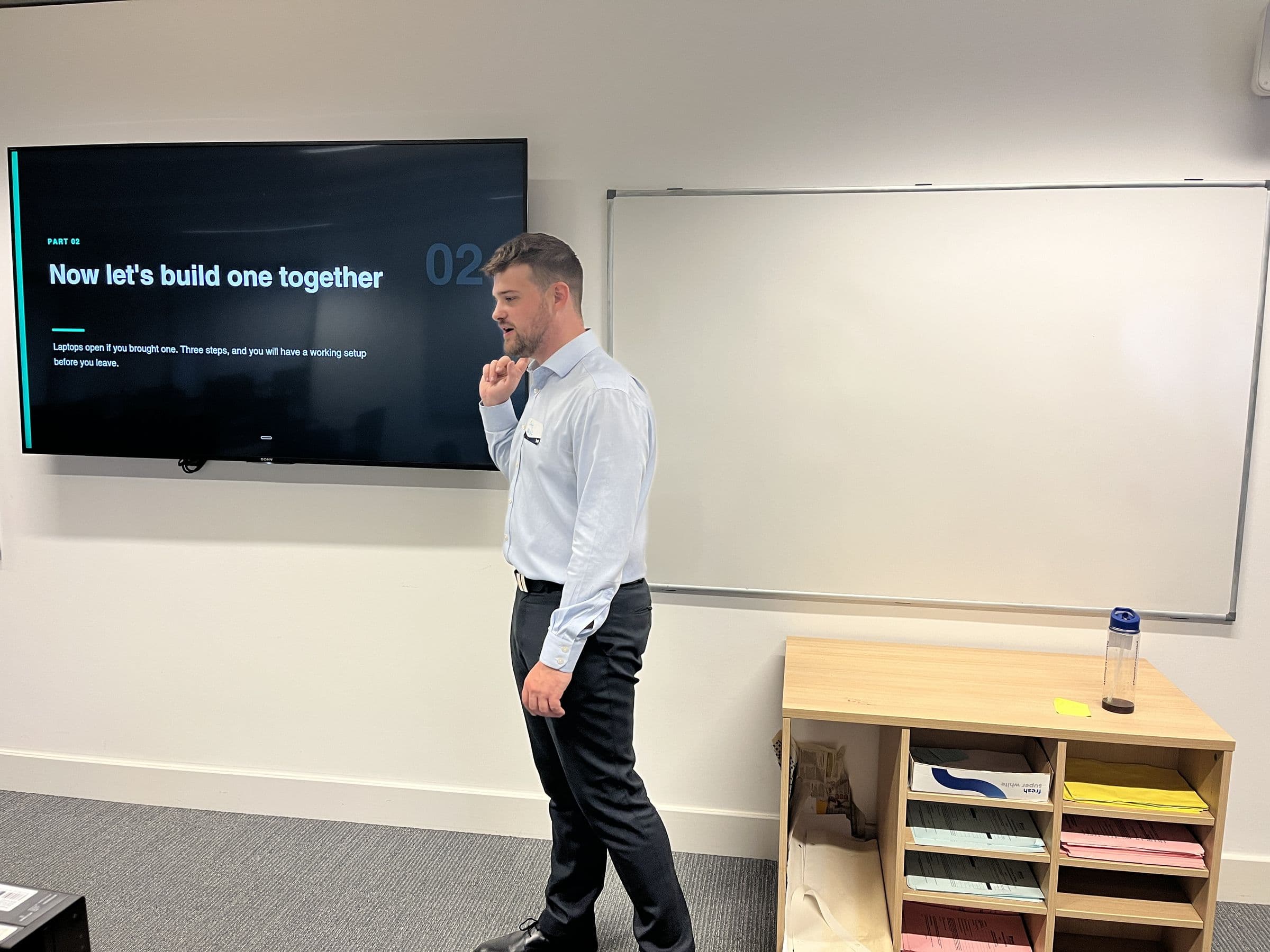
The AI Kickstarter for recruitment firms
AI training for recruiters who would rather be on the phone.
Sourcing, screening, adverts and chasers fill the day. The AI Kickstarter is three live one-hour sessions on Google Meet, Monday, Wednesday and Friday at 11:00. Each one teaches you something you can use on your desk that afternoon.
£49 a seat, including VAT, for all three sessions. Up to ten people a week.
Trusted by


 Umbra International Group

Trusted by
Umbra International GroupWhere the hours go on a recruitment desk.
Bring one of these to the sessions and try it on your own work. These are the jobs worth starting with, not results we are claiming.
Sourcing and talent mapping
Boolean strings for LinkedIn Recruiter and the job boards, target company lists, and a first map of the market for a role you have not worked before.
Job specs and adverts
A rushed intake call turned into a proper spec, and an advert a good candidate would actually read.
CV screening and shortlisting
Applications read against the spec and summarised, so you know who to phone first. A person still decides who goes forward.
Candidate outreach
InMails and follow-ups that mention the person's actual experience, not a template with their name dropped in.
CV sends and client submissions
The reformatting, taking the contact details off, and writing the pitch that goes to the client with the CV.
Business development and spec-ins
Researching a prospect before you call, writing the speculative approach, and the follow-up afterwards.
Interviews and offers
Prep notes for both sides, feedback chased and written up, and getting a candidate ready for the resignation and the counter-offer.
CRM notes, compliance and admin
Call notes that reach the CRM the same day, and the chasers for right-to-work documents, references and timesheets.
How the AI Kickstarter works.
Three live one-hour sessions across one week, for £49 a seat.
Testimonials
Don't take our word for it, take theirs.
From clients whose teams we have trained and built for.
See our case studies“The AI Edge training session was highly engaging and informative. It provided practical insights into how AI can improve efficiency, support better decision-making, and simplify everyday tasks. The trainer explained complex concepts clearly and used relevant examples that made the session easy to follow. I left with useful knowledge and greater confidence in applying AI tools in my work.”



What you will learn.
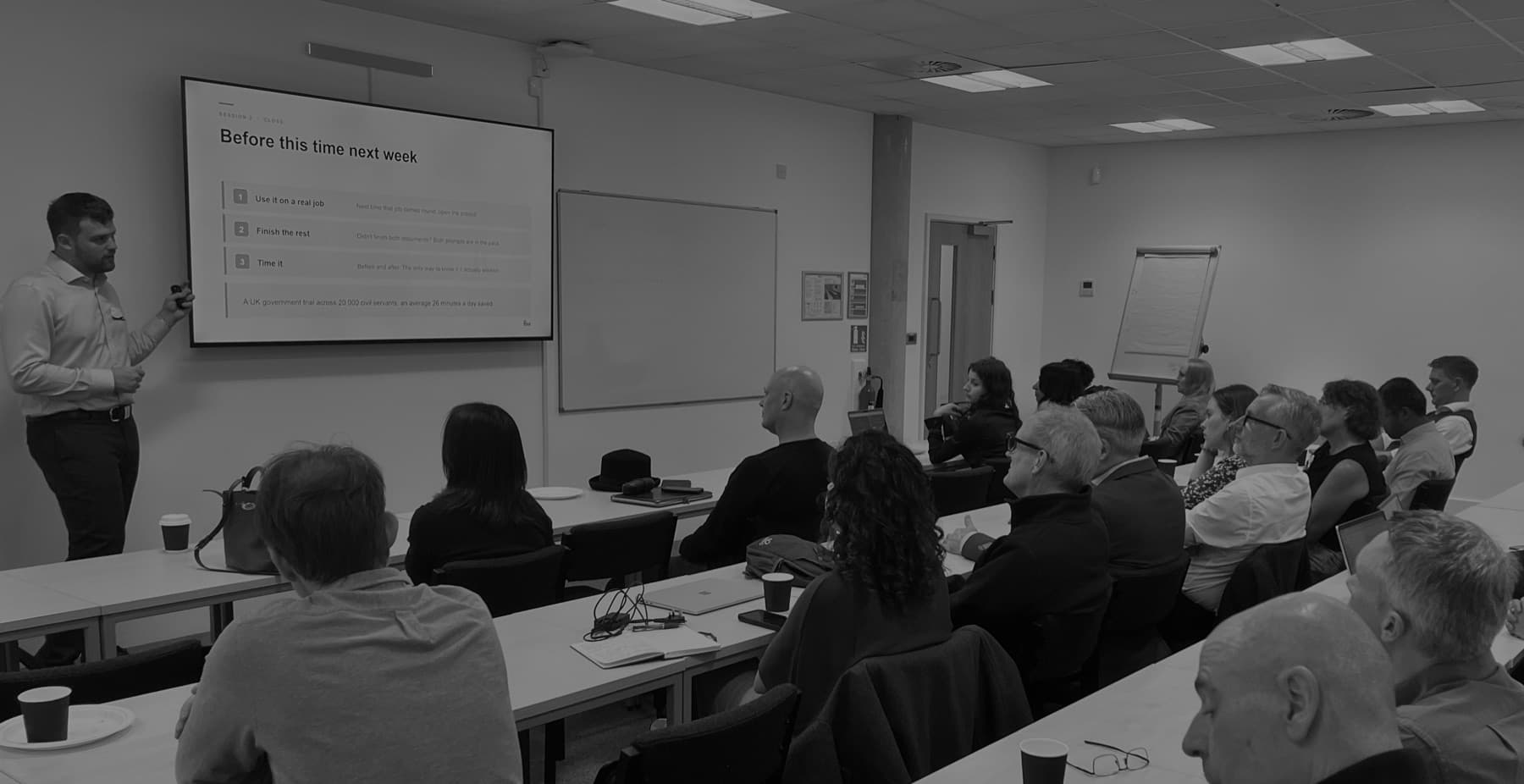
The Three S's, one a day. Each session teaches one thing you can use that afternoon, then shows what the same module looks like across a whole team in the programme.
Skills
Your team learns to get outputs from AI they can actually use in their work.
- Asking questions and writing prompts that produce usable outputs, not generic ones
- Giving the tool the context it needs once, so nobody explains the business to it again
- Knowing which model to use for which task
For: Anyone who has an AI tool open and is still getting answers they would not send to a client.

Security
Your team learns what is and isn't safe to put into AI, and how to judge it day to day.
- What is and isn't safe to put into these tools, in plain English
- The settings that decide where your data goes, and how to check them
- Judging what is safe in the middle of real work, without stopping to check the policy every time
- How your draft AI policy works day to day
For: Everyone, before real client work goes into the tool. This is the module that matters most in an accountancy.
Setup
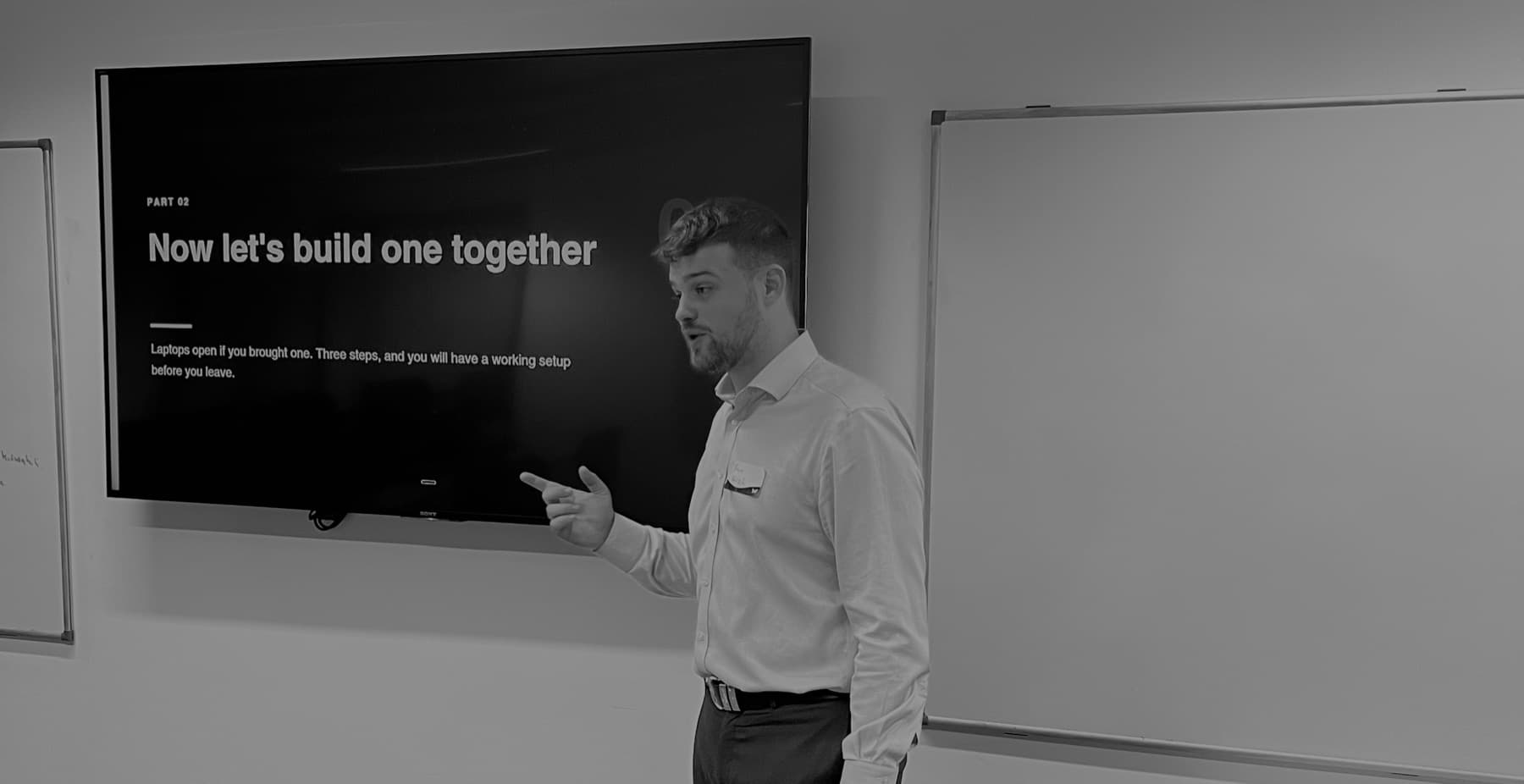
Your team learns to set AI up around the repetitive client work they already do.
- Working through a real task from your own business, not a demo
- A project for each person around the jobs they repeat, with the context and instructions it needs
- Setting the tool your team has chosen up properly in the first place
- The skills and instructions to do it themselves, so it carries on after the programme
For: Anyone whose week has a repeated job in it: proposals, reports, write-ups, chasing, formatting.
What must never go into a public AI tool.
A recruitment firm holds personal information on every candidate it speaks to, and a public AI tool is not where it belongs. Wednesday's session is on exactly this.
- Full CVs with names and contact details, on a personal or free account
- Passports, right-to-work documents and references
- Diversity data, health information and anything else sensitive about a candidate
- Client fee terms, and salaries tied to a name
- Logins to your CRM, the job boards or LinkedIn Recruiter
How the policy handles it.
The policy separates the task from the person. Checking a CV against a spec or drafting a client pitch rarely needs a name, so the contact details come out before anything goes in. Firm work happens on firm accounts with model training switched off, the policy names who approves a new tool, and a person makes every decision about who goes forward. UK GDPR still applies to all of it; the policy sits underneath it.
Get the AI policy templateWho's teaching this?
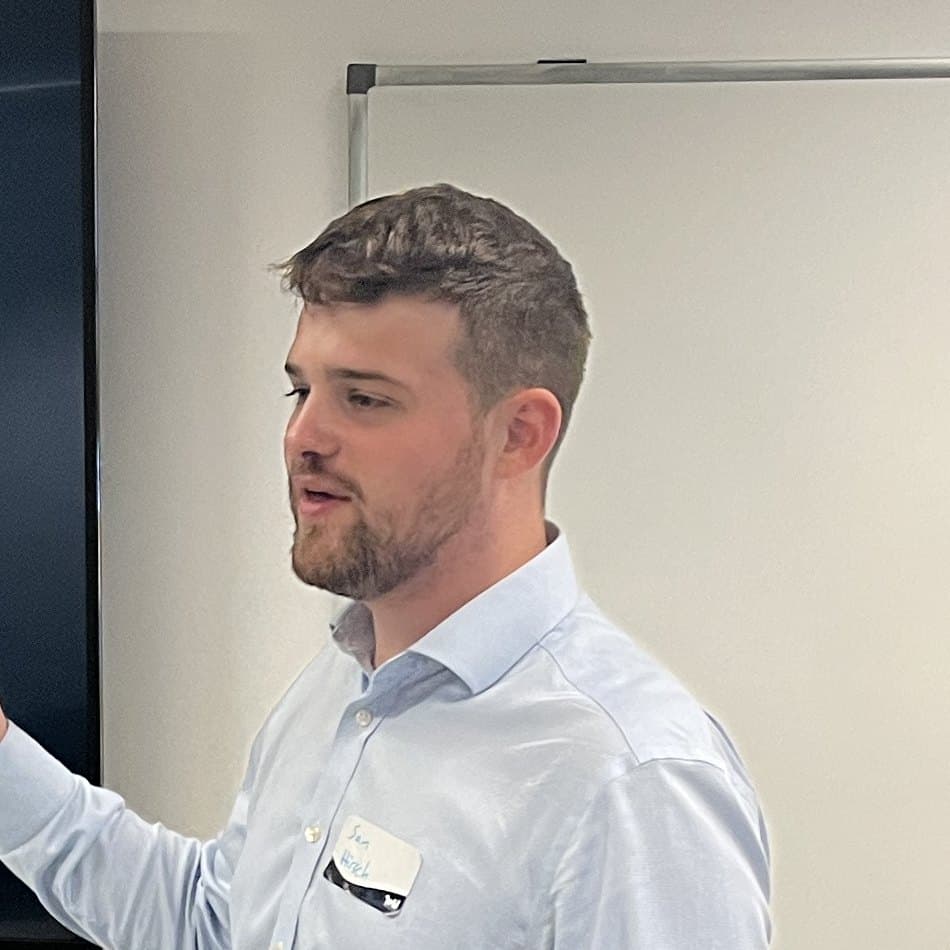
Co-Founder & Coaching Lead
Sam has over three years of experience in marketing and community building as well as a year in Start-up recruitment. He founded a group that supports start-ups in scaling their impact, lectures on social enterprise, and led one of Reading's largest student societies. He brings expertise in storytelling, strategy, and digital media.

Co-Founder & Tech Lead
Will has over two years working in the AI space building AI agents and automations for UK businesses as well as the world's first dedicated reporting software for Human-Wildlife Conflicts, VirtualRanger. He brings deep technical expertise in AI and automation to every project.
Advised by

Jim is an entrepreneur and business consultant with over 25 years' experience in technology. He is a three-times published author with Wiley (NYSE: WLY), host of the UnNoticed Entrepreneur podcast, an advisory board member of Aizee, an AI agent company, and an associate partner at HGKC, a high-growth consulting company. Jim is also the AI subject matter expert for The Access Group.
Questions recruiters ask.
Everything else you might want to know before you book.
Recruitment firm owners and directors, and the consultants or managers they ask to look into AI. Several people from one firm are welcome; each books their own seat. It shows you how we teach and what we cover. Training a whole team is what the three-month programme does.
No. Groups mix owners and decision makers from different service businesses, up to ten a week. We teach one thing well in each session and you try it on your own work, so bring a real job from your desk.
Not the part clients pay you for. Knowing the market, reading a candidate and getting an offer over the line all stay with you. What AI can help with is the reading, drafting and reformatting around that work.
It can do the thinking around the search: Boolean strings, target company lists and other ways to describe a role that find people your last search missed. You still run the search in LinkedIn Recruiter or on the job boards, and you still check what comes back, because these tools can make things up.
Yes, as help rather than as the decision. It can read applications against a spec and summarise them, on a firm account with the contact details taken out first, and a person then has to make a real judgement about who goes forward. The ICO has said that rubber-stamping an AI's list does not count as human involvement. If a tool makes a significant decision on its own, safeguards apply, including telling candidates and letting them ask for a person to review it. Wednesday's session covers what can and cannot go in. None of this is legal advice.
It runs alongside them. We teach in ChatGPT, Claude or Gemini, whichever most of the group uses, and everyone gets a one-page sheet showing where each step lives in all three. Your CRM stays exactly as it is; the three sessions do not connect anything to it.
You can sit any session you missed live with a later group, at no charge.
You are invited to a 15-minute call about the full programme for your team. If your firm signs within 30 days of the Friday session, every £49 seat it bought comes off the programme fee.
Reserve your seat.
The first cohort starts Monday 7 December. Three live one-hour sessions on Google Meet at 11:00: Skills on Monday, Security on Wednesday and Setup on Friday, taught by Sam Hirsch.
£49 a seat, including VAT, paid when you book. Have a discount code? Enter it at the checkout.
Before the first session, our AI assistant will give you a short call about what you want from the week. If you are not happy after that call, you get your money back. Once the sessions have started there are no refunds.
Can't make this cohort? Click here.
Not ready to book? Send us an enquiry instead